Building a Lightweight Admin Dashboard with Cloudflare Pages and D1
Building a Lightweight Admin Dashboard with Cloudflare Pages and D1
The Problem
Shopify's native admin interface is powerful but opinionated. For a non-technical business owner managing a small catalog with specific operational needs (seasonal product visibility, delivery logistics, file/media organization), the Shopify admin can feel overwhelming. And Shopify's native media manager is a flat list with no folder hierarchy, which becomes unmanageable as product imagery grows.
The client needed a simplified view: a dashboard that surfaced only what mattered for daily operations, while the Shopify backend handled the heavy lifting underneath.
The Architecture
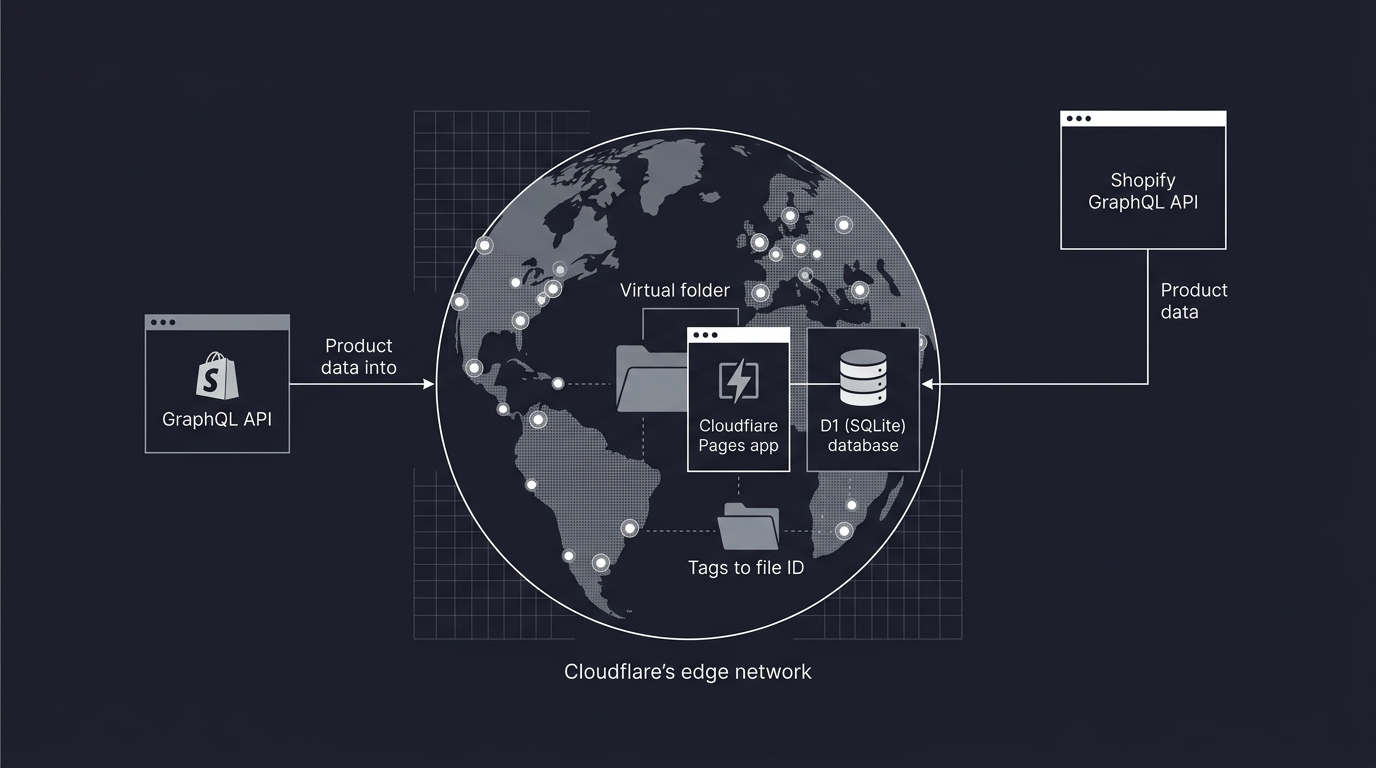
Rather than building a full CMS, the solution was a lightweight Cloudflare Pages application backed by a D1 (SQLite-at-the-edge) database.
The dashboard runs on a custom subdomain, is embeddable via iframe into the consultant's own management interface, and is designed from the ground up to be handoverable. No proprietary runtime. No complex deployment pipeline. Just static assets on Cloudflare's edge network with serverless database calls.
For Shopify file management specifically, the architecture uses a virtual folder layer: D1 stores mappings of tags and categories to Shopify file IDs (retrieved via the GraphQL Admin API), giving the client a folder-like browsing experience without fighting Shopify's flat media structure.
Design Philosophy
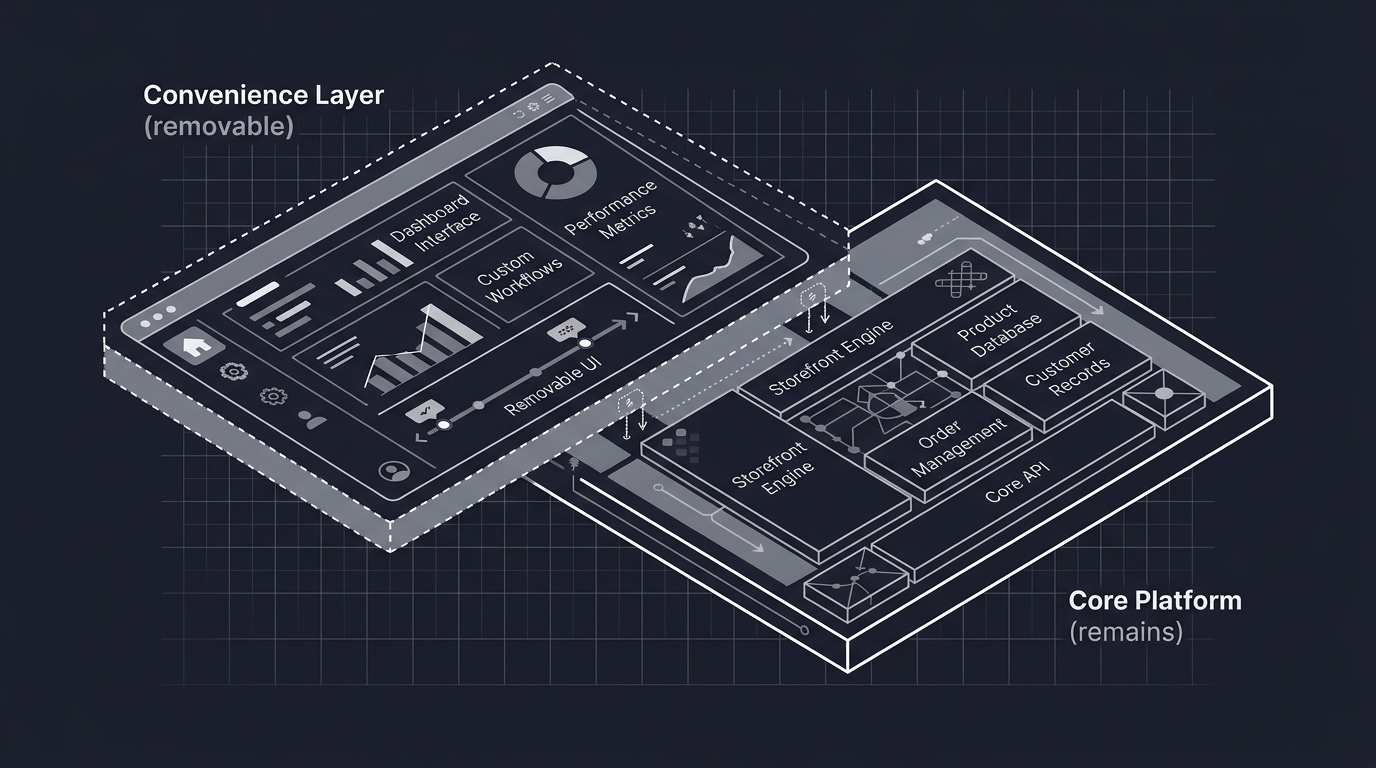
The dashboard was built with a clear constraint: it should be deletable. If the client outgrows it, hires a full-time developer, or switches platforms, there's no migration pain. It's a convenience layer, not a dependency.
This reflects a broader consulting principle: build tools that make the consultant replaceable, not indispensable.
Part of an e-commerce engagement. See also: Platform Migration and Consulting Methodology.
* Images are conceptualized, not the real implementation to protect client's intellectual right